


- How to Post Songs on SoundCloud: 7 Steps to Upload Your Track or Song Fast
- Why SoundCloud Still Matters for Independent Artists {#why-soundcloud}
- Step 1: Set Up Your SoundCloud Profile Like a Pro (Before You Upload Anything) {#Step-1}
- Step 2: The Right Way to Upload Songs on SoundCloud {#Step-2}
- Step 3: Optimize Your Metadata to Reach More Listeners {#Step-3}
- Step 4: The Share Music Strategy — How to Get Your First 1,000 Plays Fast {#Step-4}
- Step 5: Build Playlists That Keep Listeners on Your Page {#Step-5}
- Step 6: Use SoundCloud’s Built-In Tools to Grow Your Audience {#Step-6}
- Step 7: Build a Loyal Fanbase — The Long Game That Actually Works {#Step-7}
- Quick Reference: SoundCloud Upload Checklist {#checklist}
- Final Message to Every Independent Artist
- FAQs — How to Post Songs on SoundCloud (Related Keywords)
How to Post Songs on SoundCloud: 7 Steps to Upload Your Track or Song Fast
If you’re an independent artist trying to get your music heard, learning how to post songs on SoundCloud is one of the smartest moves you can make right now. Most guides just tell you to click upload and leave you stuck. This guide is different — we’ll walk you through 7 proven, fully working methods to not only upload songs on SoundCloud but actually use the platform to grow your fanbase, reach new listeners, and build a real presence in the music world.
Whether you’re dropping your first track or your fiftieth, these tips will change how you post songs on SoundCloud and how fast your audience grows.
Quick Tip: Before diving in, make sure you have a free SoundCloud account ready at soundcloud.com. You’ll need it to follow every step in this guide.
Why SoundCloud Still Matters for Independent Artists {#why-soundcloud}
Before we get into the how-to, let’s be clear about why this platform matters. SoundCloud has over 320 million registered users and hosts more than 300 million tracks. Unlike YouTube — which favors video-heavy content — SoundCloud is a pure audio-first platform built for music creators. It’s where A&Rs scout talent. It’s where fans go to hear raw, authentic sound before it goes mainstream.

For any independent artist building a career from scratch, SoundCloud is one of the most essential platforms available — and knowing how to post songs on SoundCloud correctly is what separates artists who get heard from those who don’t.
Step 1: Set Up Your SoundCloud Profile Like a Pro (Before You Upload Anything) {#Step-1}
Here’s what most beginner guides skip entirely: your profile is your first impression, and a weak profile will kill your upload’s momentum before a single listener even clicks play.
Before uploading your music on SoundCloud, treat your profile page like a professional artist hub:
- Profile picture and header artwork: Use high-resolution images that match your brand. Your artwork is visible in every share, embed, and search result — it needs to look professional.
- Bio/description: Write a compelling artist description that includes your genre, influences, and location. This also helps your profile appear in SoundCloud search results since the platform indexes profile text.
- Links: Connect your Instagram, TikTok, Twitter, and Facebook accounts. Fans want to explore your full social media presence.
- Username: Choose something clean and memorable. Your username is part of your SoundCloud link, which you’ll be sharing everywhere.
Think of your SoundCloud account as a music website. The more complete it looks, the more a first-time listener will trust and follow you.
Related Read: How to Do SEO for SoundCloud Songs
Step 2: The Right Way to Upload Songs on SoundCloud {#Step-2}
Uploading a track on SoundCloud takes about 60 seconds — but doing it right takes five minutes. Those five extra minutes are what separate artists who get 50 plays from artists who get 50,000. Here is a simple, step-by-step process to post your song correctly.

Step 1 — Log in to your SoundCloud account and click the Upload button at the top of the page.
Step 2 — Choose your audio file. SoundCloud supports MP3, WAV, FLAC, AIFF, and more. For the best sound quality, always upload a WAV or 320kbps MP3 file.
Step 3 — Add your track title. Be specific. “Midnight Drive (Lo-Fi Hip-Hop)” performs better in search than just “Midnight Drive.”
Step 4 — Write your description. This is your secret SEO weapon on SoundCloud. Describe the track, mention collaborators, explain the story, and include keywords your listeners might search for.
Step 5 — Upload your artwork. Every track needs its own custom artwork. Minimum size is 800×800 pixels. Tracks with eye-catching visuals get a lot more clicks than tracks with a generic placeholder.
Step 6 — Add your tags. SoundCloud allows multiple tags per track. Use specific genre tags like “boom bap,” “indie folk,” or “dark trap” rather than broad terms.
Step 7 — Set your permissions. Decide whether to allow downloads, comments, and embedding. Enabling these options helps you reach more listeners and makes it simple for fans to share your music everywhere.
Step 8 — Choose Public and post. Your track is live. The SoundCloud algorithm rewards engagement in the first 48 hours, so your share strategy starts the moment you click publish.
Pro Tip: According to SoundCloud’s official creator guide, tracks with complete metadata receive significantly more algorithmic recommendations than incomplete ones.
Step 3: Optimize Your Metadata to Reach More Listeners {#Step-3}
Here’s a secret the SoundCloud Help Center doesn’t explain clearly enough: metadata is how the algorithm finds you. Every detail you attach to your track — title, description, tags, genre, artwork — is what SoundCloud uses to match your song with the right listener.
When SoundCloud builds someone’s queue, it’s matching metadata between tracks. If your metadata is vague or incomplete, you get skipped entirely. This step is essential, not optional.
Metadata checklist for every upload:
- Title: Include genre, mood, or tempo when relevant.
- Description: Write 4–6 sentences. Manage this section carefully — it directly affects search ranking.
- Tags: Be specific. Check what tags top creators in your genre use and mirror them.
- Genre: Always set this. It determines which genre-based playlists your track can appear in.
- BPM and key: If you produce beats or instrumentals, include BPM in your description. Independent artists and producers actively search for beats by tempo.
- Lyric: Paste your lyrics in the description. This helps with search indexing and converts casual listeners into true fans.
Spending five extra minutes to optimize your metadata on every upload can double or triple your monthly plays without spending a cent on promotion.
Related Read: How to Select the Best Hashtags for SoundCloud Music
Step 4: The Share Music Strategy — How to Get Your First 1,000 Plays Fast {#Step-4}
Uploading your track is step one. Distributing it across the internet is how you actually build an audience. Here’s an effective multi-platform approach to share music and get plays rolling immediately after you post songs on SoundCloud.
Instagram: Share your track to your Instagram story the moment you post. Use the link sticker to send followers directly to your SoundCloud page. Post a reel using your song as the audio to reach a broader audience.
TikTok: Create a short video using your track as the background audio. TikTok’s algorithm can push your video — and your sound — to thousands of new users overnight. This is one of the most powerful free tools available to any independent artist right now.
Twitter: Post your track link with relevant hashtags. Tag artists you admire in your genre — genuine engagement on Twitter can lead to reposts and collaborations.
Facebook: Share your track to your profile and to genre-specific music groups. Facebook groups are still one of the most underrated ways to reach listeners who are specifically looking for new music in your genre.
Music Blogs: Find blogs that accept submissions in your genre and pitch your track. A single blog feature can distribute your music to thousands of engaged readers. Check out SubmitHub to find the right blogs and playlist curators for your sound.
YouTube: Create a simple lyric video or audio visualizer and post your track with a link back to your SoundCloud profile. Many listeners discover music on YouTube first, then follow the creator on SoundCloud to hear more.
The key is executing all of this on the same day you upload. The more traffic you send to your track in the first 48 hours, the better SoundCloud’s algorithm will treat your song going forward.
Step 5: Build Playlists That Keep Listeners on Your Page {#Step-5}
One of the most underused tools on SoundCloud is the playlist. Most artists post individual tracks and never organize them — and this is a costly mistake.
Here’s why it matters: when a listener finishes your track, SoundCloud often continues playing from within the same playlists context. A well-built playlist can turn a single play into a 45-minute listening session on your profile. More time on your page means more followers, more comments, and more fans.
How to build playlists strategically:
Create a “Start Here” or “Best Of” playlist featuring your 5–7 strongest tracks. This is the first thing a new visitor to your profile should see — it gives them a curated introduction to your music.
Build mood-based playlists like “Late Night Sessions” or “Summer Anthems.” These are what casual listeners discover and share with friends. Adding other artists’ tracks alongside yours often leads to mutual reposts and collaboration opportunities.
SoundCloud playlists generate a single shareable link. Send this link to curators, music blogs, and press contacts instead of individual tracks — a playlist tells a fuller story about your artistry.
External Resource: Learn how curators find new music at the Spotify for Artists Blog — the same principles apply to SoundCloud playlist placement.
Step 6: Use SoundCloud’s Built-In Tools to Grow Your Audience {#Step-6}
Most artists use SoundCloud as a hosting platform and nothing more. But there’s a full suite of built-in tools inside your account that can help you grow your fanbase and manage your music career more strategically.
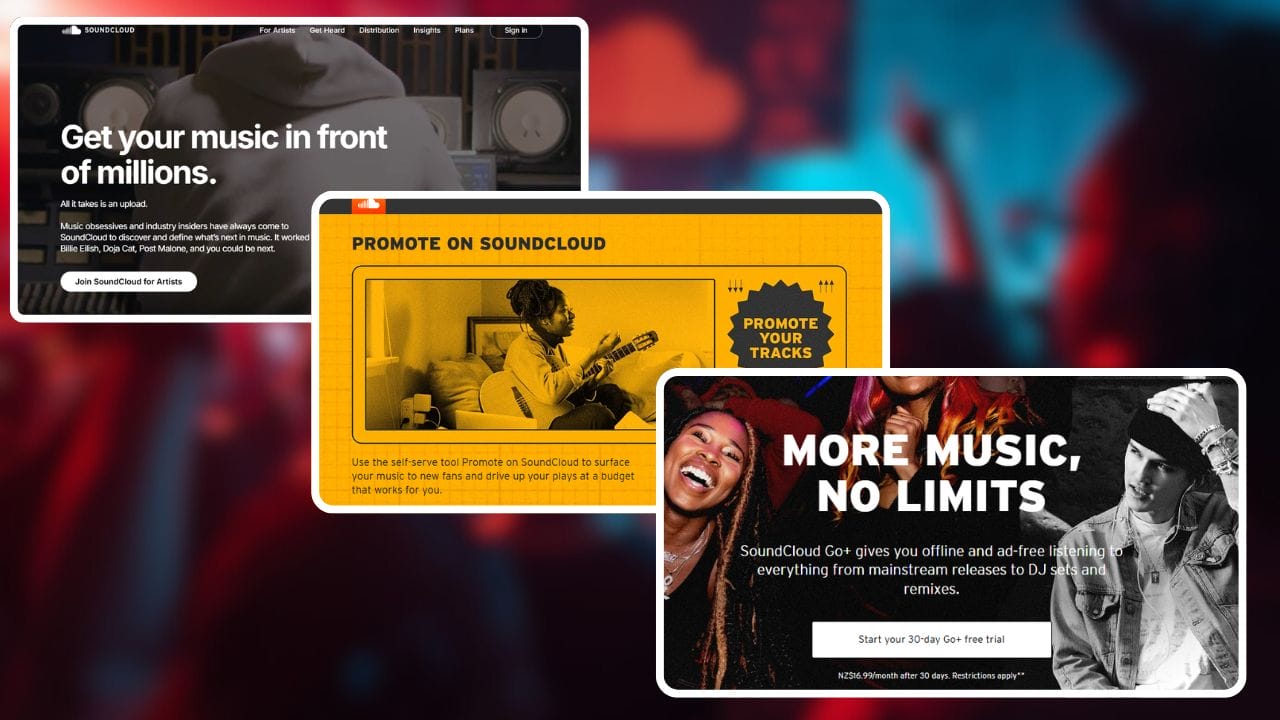
SoundCloud for Artists Dashboard: After you upload, the analytics dashboard shows which tracks are getting the most plays, where your listeners are located, and what time of day your play counts spike. Use this data to choose when to drop new music and what content to create more of.
SoundCloud Repost: When a user with a large following reposts your track, it appears in their followers’ streams. Building genuine relationships with other creators and asking for reposts is one of the fastest ways to reach a new audience without spending a dollar.
SoundCloud Plus and Fan-Powered Royalties (Monetization): If you upload regularly and have a growing audience, check out SoundCloud’s monetization options. SoundCloud’s fan-powered royalties model lets you earn directly from your most dedicated listener base. Unlike other platforms that pool royalties, this model means your real fans generate more revenue specifically for you — making it one of the most creator-friendly tools in music streaming today.
Mobile App: The SoundCloud mobile app lets you upload tracks, manage your profile, respond to every comment, and check your analytics anywhere. For a busy independent artist, being able to manage everything from your phone is a major advantage.
External Resource: Learn more about fan-powered payouts at SoundCloud’s official monetization page.
Step 7: Build a Loyal Fanbase — The Long Game That Actually Works {#Step-7}
Getting plays is satisfying. Building a loyal fanbase is what turns music into a career. Here are the long-game strategies that genuinely independent artists use to grow on SoundCloud month after month.
Upload consistently. SoundCloud’s algorithm favors active creators. Your followers get notified every time you upload, which means consistent uploads keep you in front of your audience for free. Whether you choose weekly, bi-weekly, or monthly releases, commit to a schedule and stick to it.
Respond to every comment. A fan who feels heard becomes a lifelong supporter. Use every comment as an opportunity to create a real connection. This is how you build the kind of fanbase that shows up for every new drop, shares your link everywhere, and brings their friends along.
Cross-promote with artists at your level. Find independent artists with a similar follower count making similar music and propose a mutual share — you promote their track to your audience, they promote yours to theirs. This costs nothing and often leads to collaborations that grow both audiences.
Submit your music to SoundCloud editorial playlists. SoundCloud’s internal team curates playlists that reach tens of thousands of listeners. Getting featured can be a career-changing moment for any independent artist. Make sure your account is complete, your track is fully optimized, and your profile looks professional — curators always check your page before they consider your track.
Handle copyright correctly. If you sample another artist’s music, clear the sample before you upload. A copyright claim can get your track removed and damage your entire account standing. Always use original audio, royalty-free samples, or properly licensed material.
Related Read: Get Your Music Featured on SoundCloud’s Discover Page with These Proven Strategies
Quick Reference: SoundCloud Upload Checklist {#checklist}
Before you post your next song on SoundCloud, run through this list:
✅ Audio file is WAV or 320kbps MP3
✅ Track title includes genre or mood keyword
✅ Description is 4–6 sentences with relevant keywords
✅ Lyric added to description (for vocal tracks)
✅ Custom artwork uploaded (minimum 800x800px)
✅ Multiple genre-specific tags added
✅ Genre is set in your upload settings
✅ Profile is 100% complete with bio and social links
✅ Share plan ready for Instagram, TikTok, Twitter, and Facebook
✅ Playlist updated with new track
✅ Analytics check scheduled for 48 hours post-upload
Final Message to Every Independent Artist
The gap between an artist stuck at 200 followers and one building toward 20,000 isn’t talent — it’s strategy and consistency. SoundCloud is not just a place to post your music and hope for the best. It’s a platform with a real algorithm, a massive audience of engaged listeners, and a full set of tools that reward creators who use them correctly.
Use the methods in this guide. Optimize every upload. Build your playlists. Engage with your audience. Be consistent. Share your music everywhere. And every month, more listeners will discover your sound and your story.
The platform is ready. Now go post songs on SoundCloud and make some noise.
FAQs — How to Post Songs on SoundCloud (Related Keywords)
- Q: How do I upload music to SoundCloud from my computer?A: Sign in to your SoundCloud account, click “Upload” or “Upload a track,” choose your audio file (WAV, FLAC, AIFF, or high-quality MP3), fill in title, description, tags, set privacy, add artwork, and click “Save” or “Publish” to complete the upload.
- Q: What’s the process to post tracks to SoundCloud from my phone?A: Open the SoundCloud app, tap the upload or plus (+) icon, select the recorded or saved audio, enter track details like title and tags, choose privacy settings, add cover art if available, and tap “Upload” or “Save” to post the track.
- Q: How to publish songs on SoundCloud with proper metadata?A: When uploading, include a clear title, artist name, genre, descriptive description, relevant tags and release date. Proper metadata improves searchability and helps playlists and followers find your music.
- Q: How can I share SoundCloud tracks on social media after posting?A: After publishing, use the share button on the track page to copy the link or share directly to platforms like Twitter, Facebook, Instagram Stories, or messaging apps. Embed codes are also available to add the player to websites.
- Q: What is the best format and bitrate for SoundCloud uploads?A: Preferred formats are WAV, FLAC, or AIFF for lossless quality. If using MP3, export at 320 kbps. SoundCloud recommends high-quality files to preserve audio fidelity during processing.
- Q: How to monetize songs on SoundCloud after posting?A: To monetize, join the SoundCloud Premier or Monetization program (availability varies by region), meet eligibility requirements like follower counts and original ownership, enable monetization on your tracks, and link payout details as required by SoundCloud.
- Q: Can I schedule releases on SoundCloud so songs post at a future date?A: SoundCloud allows scheduled releases for Pro Unlimited users; during upload choose a future release date and time to automatically publish the track when you want it to go live.
- Q: How to tag songs on SoundCloud for better discoverability?A: Use genre tags, mood tags, relevant keywords (such as “how to post songs on soundcloud tutorial,” “indie pop,” “house”), and include variations and common search terms in the tag field to increase the chance of appearing in searches and related track feeds.
- Q: How do I add cover art to a SoundCloud track when posting?A: During upload or in track settings, click the artwork area to upload an image (JPG or PNG). Use a square image at least 800×800 px for best results, and follow SoundCloud’s content guidelines to avoid copyright issues.
- Q: What’s the best way to post DJ sets or mixes on SoundCloud legally?A: Obtain necessary clearances or licenses for any copyrighted material in your mix; alternatively, post only original material or use tracks you have permission to share. Clearly label the track as a “mix” or “DJ set” and consider track lists in the description to credit artists.